


Best AI Mockup Generators for Print-on-Demand
If you’re running a print-on-demand (POD) business, AI mockup generators can save you time and money while creating professional product visuals. These tools replace traditional methods like Photoshop or photoshoots, offering faster results and better variety. High-quality mockups in real-life settings can boost conversions by up to 94%, making them essential for driving sales.
Here’s a quick rundown of the top AI mockup generators:
- PixWrap: Offline tool for high-resolution 3D renders, ideal for drinkware and apparel.
- Mockey.ai: Over 15,000 templates, AI background remover, and free watermark-free mockups.
- Canva AI Mockup Generator: Beginner-friendly, integrated with Canva’s design suite.
- Artboard Studio: Advanced control for detailed, layered, and animated mockups.
- Prodigi AI Mockup Generator: Generates realistic scenes with lighting options like “golden hour.”
- Renderforest: Combines mockups with branding tools like logos and videos.
- Printify Product Creator: Free tool with store integration and AI-generated designs.
Quick Comparison
| Tool | Free Plan | Best For | Special Features |
|---|---|---|---|
| PixWrap | Free Trial | Apparel, drinkware | Offline tool, bulk generation |
| Mockey.ai | Yes | Variety, social media | 15,000+ templates, video mockups |
| Canva | Yes | Beginners | Drag-and-drop, lifestyle mockups |
| Artboard Studio | Yes | Advanced designers | Interactive, animated mockups |
| Prodigi | 15 free | Realistic scenes | AI-driven environments, POD integration |
| Renderforest | Yes | Branding needs | Mockups, logos, videos |
| Printify | Yes | Store integration | AI design generator, pattern creation |
Whether you’re starting out or scaling up, these tools can help you create polished visuals, reduce costs, and attract more customers. Pick a generator that fits your budget, skill level, and product type to streamline your workflow and grow your business.
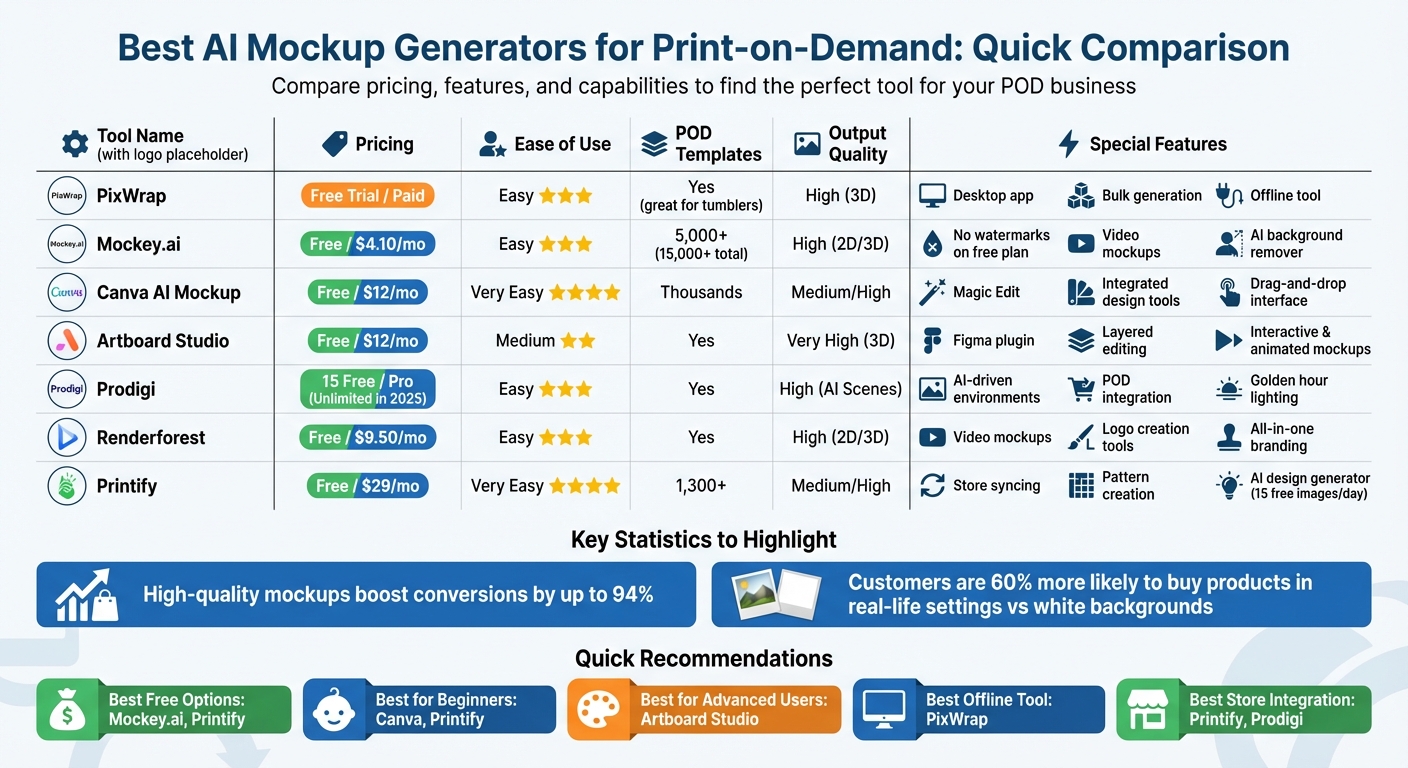
AI Mockup Generators Comparison Chart for Print-on-Demand
Best AI Mockup Generators for Print-on-Demand
PixWrap
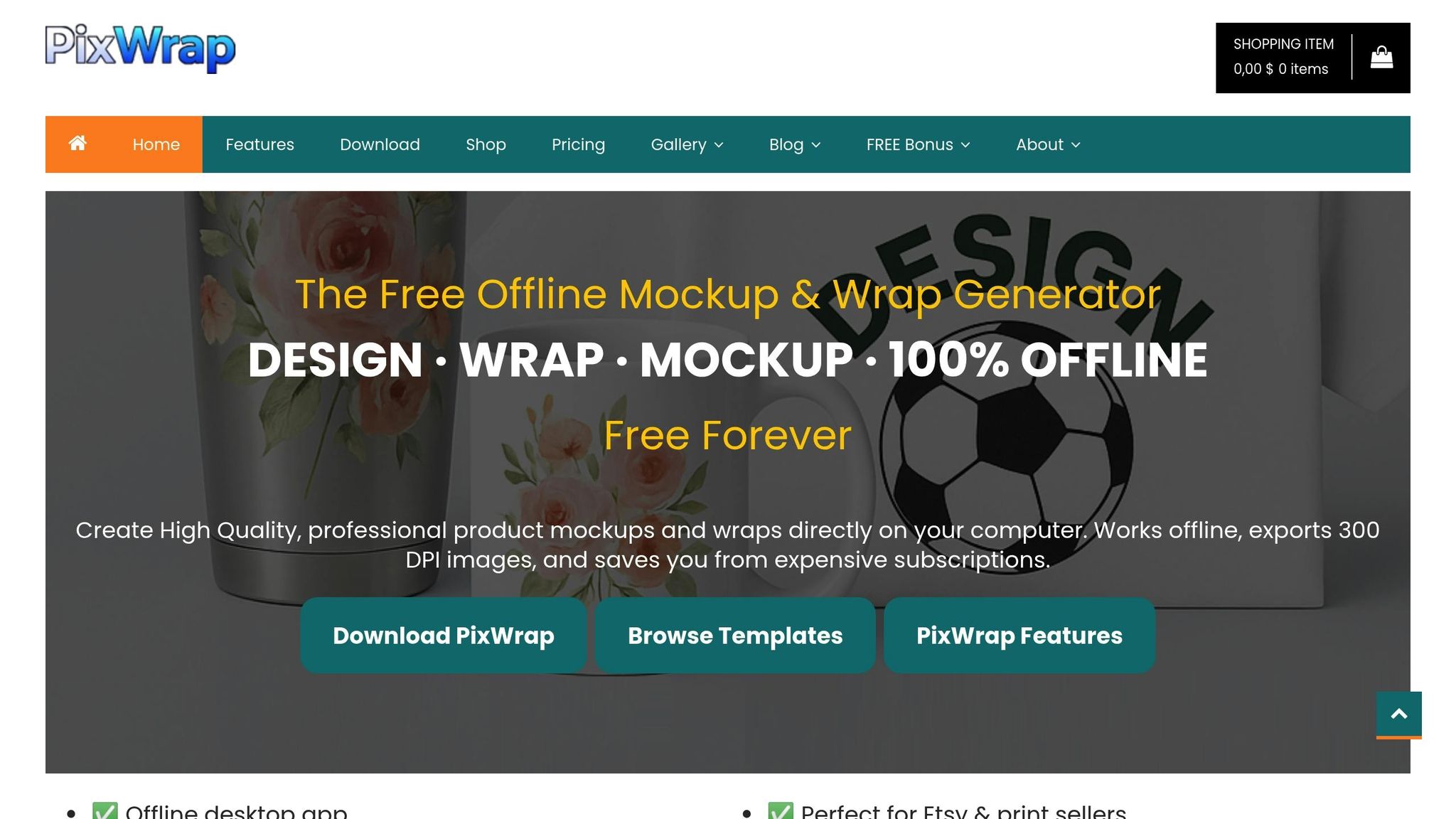
PixWrap is a desktop-based AI tool that runs entirely offline, making it ideal for sellers who prefer to work without relying on cloud services. It specializes in creating high-resolution 3D renders for items like tumblers, mugs, and apparel. The process is straightforward, with one-click options to customize lighting and backgrounds. If you’re juggling a large catalog of drinkware or clothing, PixWrap can save you a lot of time by generating professional-grade mockups quickly. Plus, it offers a free trial, so you can test its features before committing.
Mockey.ai
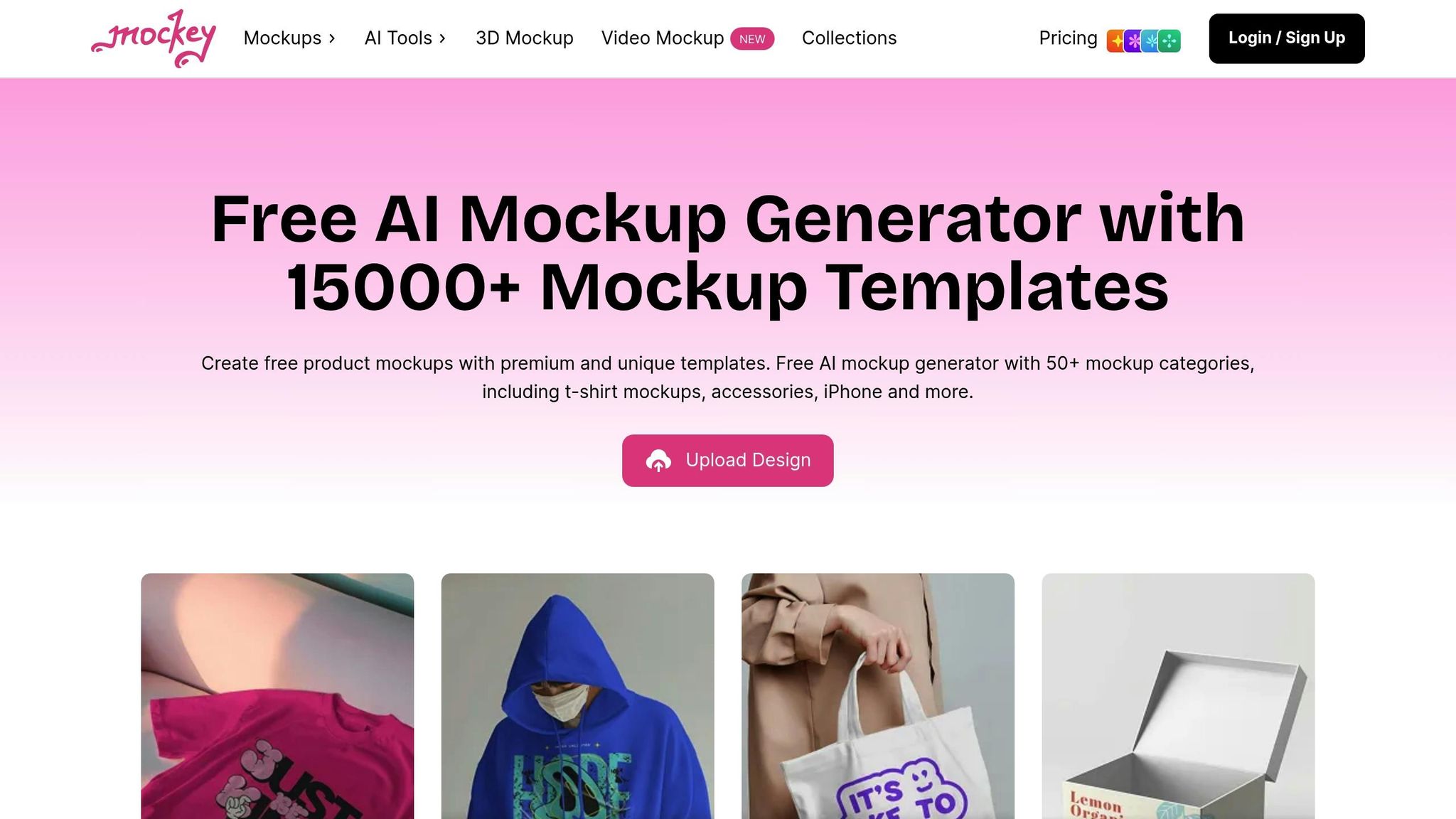
Mockey.ai boasts a library of over 15,000 templates across 50+ categories, making it a go-to for variety and speed. It supports both 3D mockups and short video clips, perfect for spicing up social media posts or product listings. One standout feature is the AI background remover, which helps you isolate designs with ease. The platform also offers a free plan, letting you download up to 3 watermark-free mockups daily – great for those testing designs or working on a tight budget. For larger-scale needs, enterprise plans unlock custom templates on demand.
Canva AI Mockup Generator
Canva’s AI Mockup Generator is designed for beginners who prefer a simple drag-and-drop interface. Integrated into Canva’s broader design suite, it allows users to create mockups alongside logos, social media posts, and marketing materials. The tool focuses on lifestyle and flat mockups, such as t-shirts on hangers or mugs on countertops. If you’re new to print-on-demand, Canva provides an easy-to-use, all-in-one solution. Both free and premium subscription options are available.
Artboard Studio
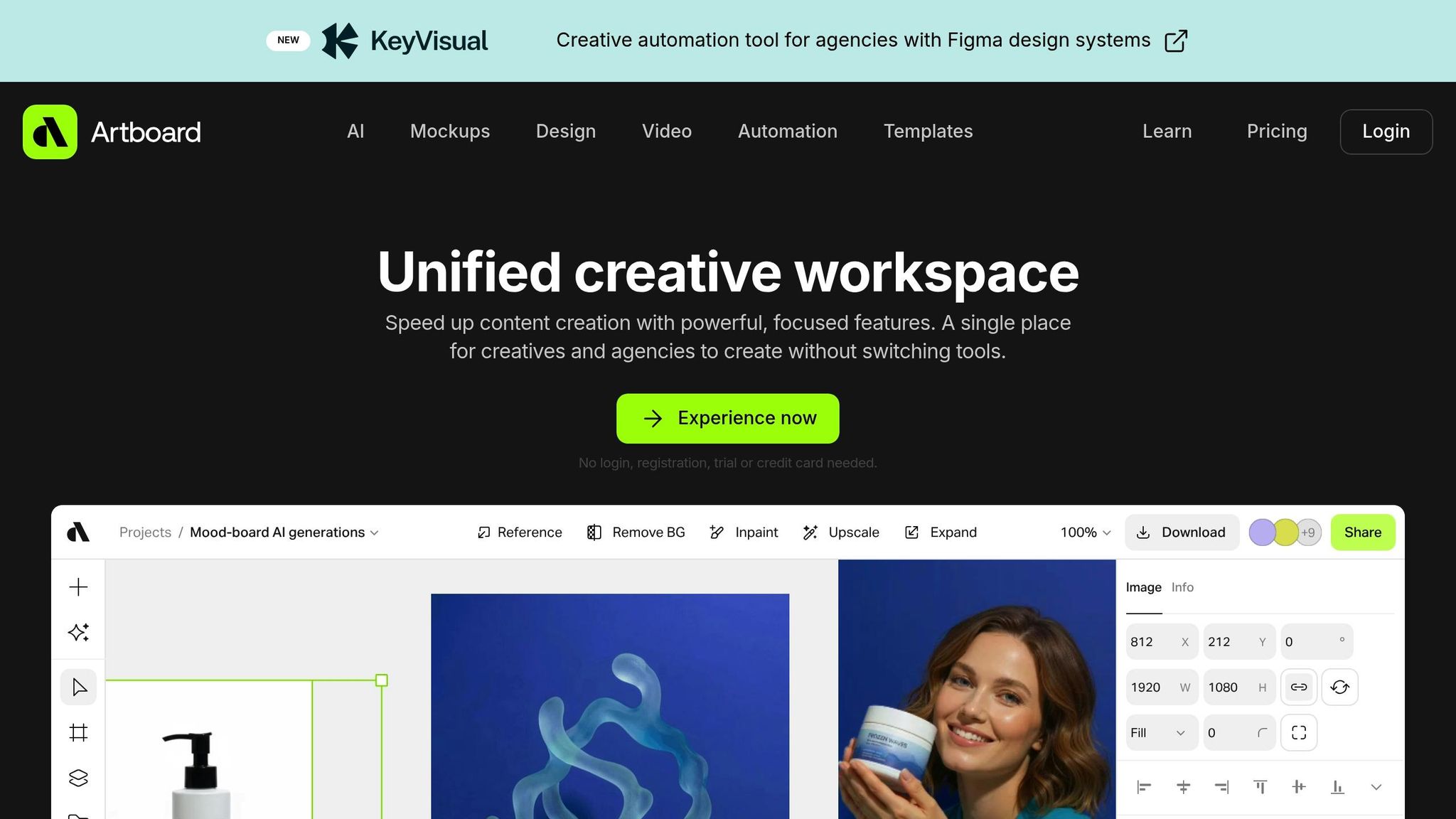
For those who want complete creative control, Artboard Studio is a top choice. It allows users to fine-tune every detail, from layers and lighting to shadows and reflections, for polished product visuals. The tool also supports interactive and animated mockups, which can elevate your website or video ads. While it requires more time to master, the advanced features make it worth the effort for professional designers. Artboard Studio operates entirely in the cloud, offering flexibility and convenience.
Prodigi AI Mockup Generator
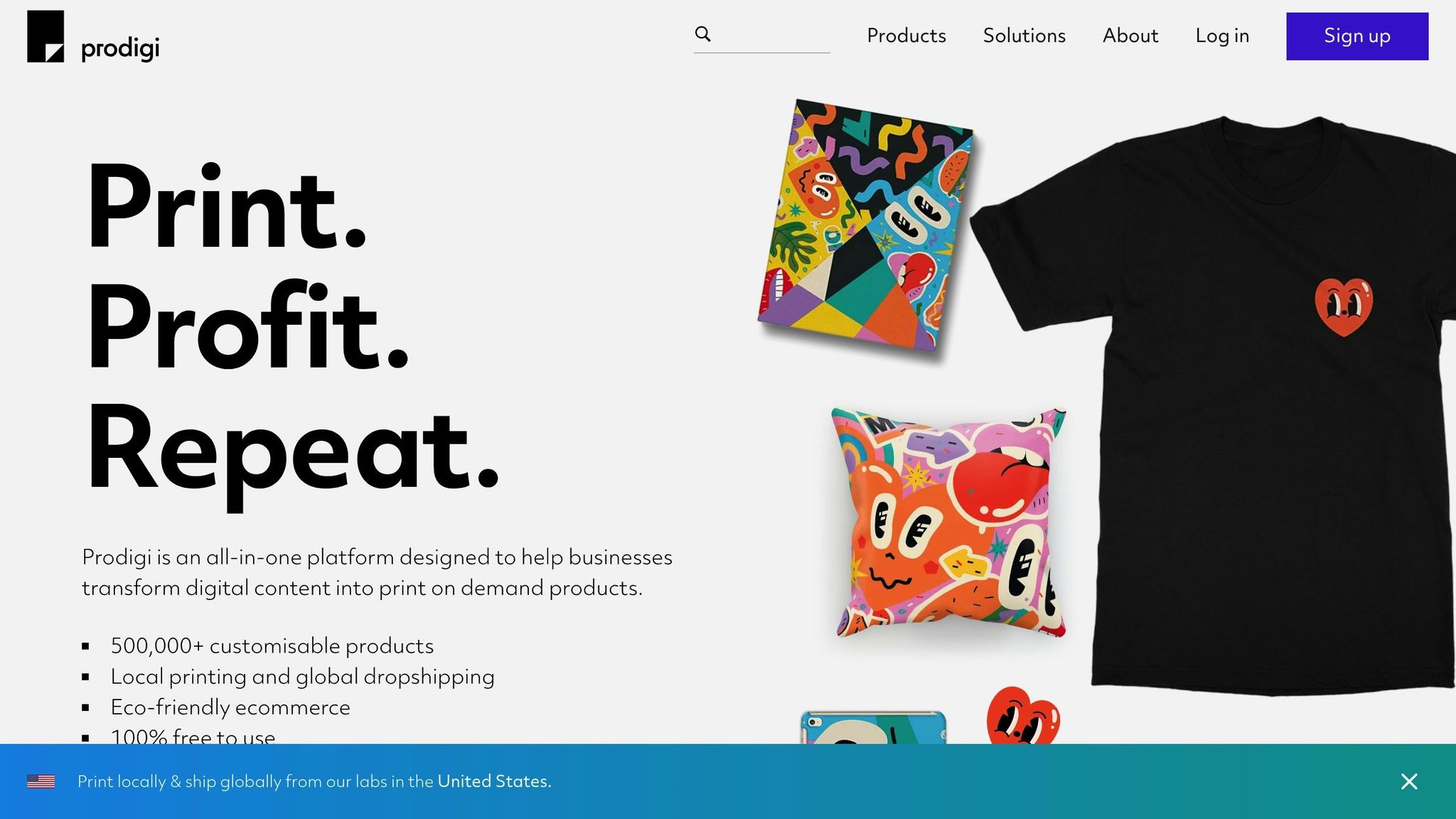
Prodigi uses Google’s Gemini 2.5 Flash Image model to create detailed contextual mockups based on scene descriptions. This tool can generate realistic environments for your products while preserving the fine details of your artwork. Users can specify lighting styles like "golden hour" or "blue hour" to set the mood. Core users get 15 free AI mockups, while Prodigi Pro merchants enjoy unlimited mockups (in 2025) and a 15% discount on product ranges. Since Prodigi also handles fulfillment, you can manage mockups and production seamlessly in one dashboard.
"AI models tend to struggle with consistency and reproducibility, so by taking that part into our own hands and integrating the AI scenes directly into our editor, I think we’ve created a really unique tool." – Callum, Lead Developer, Prodigi
Renderforest
Renderforest is a versatile branding tool that combines AI mockups with logo design and video creation. It supports both 2D and 3D product visuals, offering a wide range of templates for print-on-demand products. If you’re starting a brand and need more than just mockups – like promotional videos or branded graphics – Renderforest’s all-in-one approach can simplify your workflow. The platform uses a credit-based system for exports, with free and premium subscription plans available.
Printify Product Creator
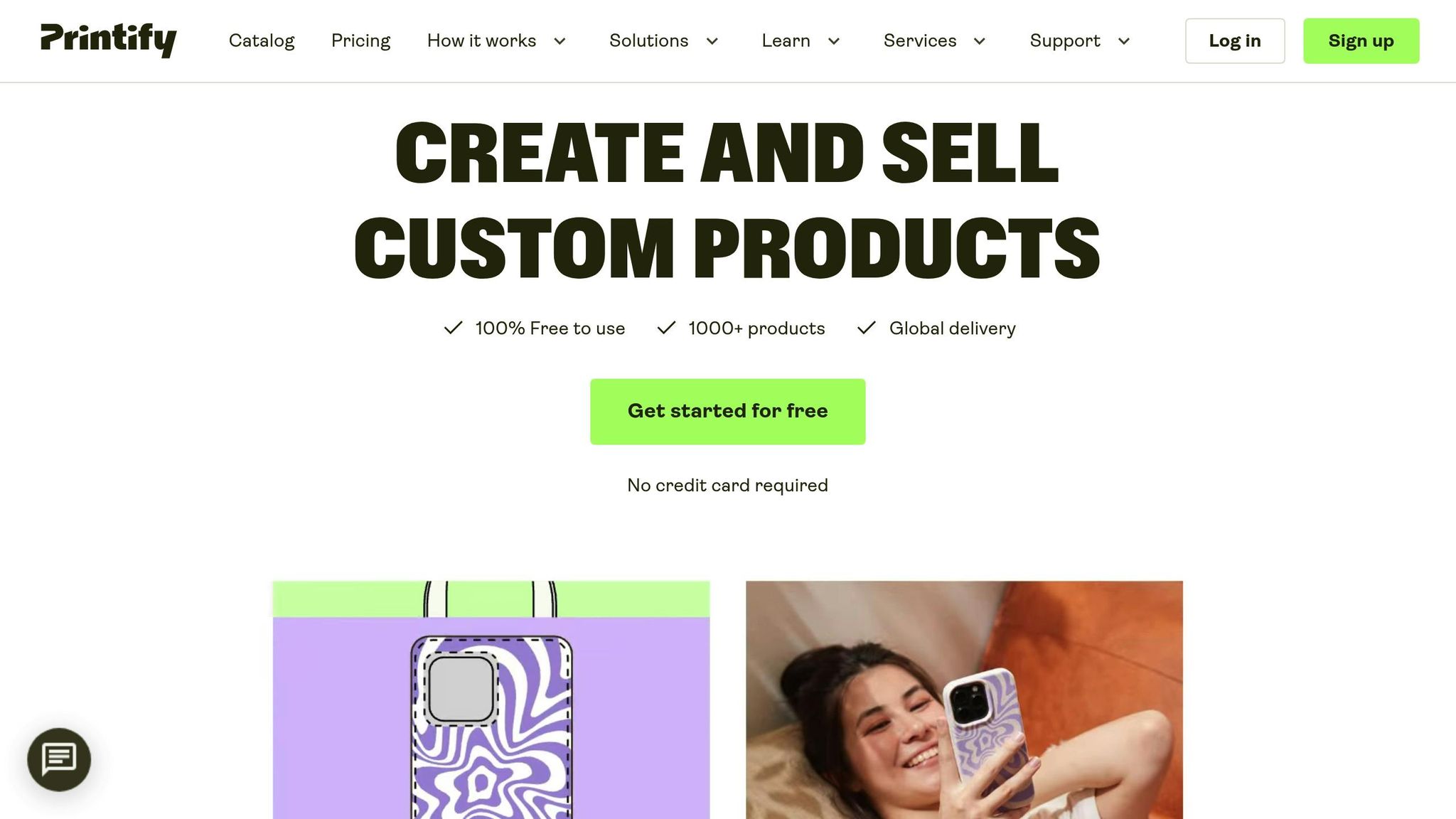
The Printify mockup generator is a free tool integrated with the platform’s fulfillment services. It supports SVG files for crisp, scalable designs and includes a pattern creation tool for repetitive graphics. A standout feature is the AI Image Generator, powered by OpenAI, which creates designs from text prompts. Users can generate 15 free images every 24 hours. Printify also recently increased its layer limit to 10 layers per print area (20 for stickers), giving more flexibility for intricate designs. With over 1,300 professional mockup templates and a 4.6/5 rating from 6,000+ reviews, it’s a reliable choice for sellers looking for an all-in-one solution.
Next, check out our side-by-side comparison to find the tool that fits your needs best.
sbb-itb-d544328
AI Mockup Generator Comparison
Comparison Table
Finding the right AI mockup generator depends on your budget, skill level, and the type of products you’re working with. Here’s a breakdown of how popular tools compare in terms of pricing, usability, available templates, output quality, and standout features:
| Tool Name | Pricing | Ease of Use | POD Templates | Output Quality (2D/3D) | Special Features |
|---|---|---|---|---|---|
| PixWrap | Free Trial / Paid | Easy | Yes – great for tumblers | High (3D) | Desktop app; Bulk generation |
| Mockey.ai | Free / $4.10/mo | Easy | 5,000+ | High (2D/3D) | No watermarks on free plan; Video mockups |
| Canva AI Mockup | Free / $12/mo | Very Easy | Thousands | Medium/High | Magic Edit; Integrated design tools |
| Artboard Studio | Free / $12/mo | Medium | Yes | Very High (3D) | Figma plugin; Layered editing |
| Prodigi | 15 Free / Pro | Easy | Yes | High (AI Scenes) | AI-driven environments; POD integration |
| Renderforest | Free / $9.50/mo | Easy | Yes | High (2D/3D) | Video mockups; Logo creation tools |
| Printify | Free / $29/mo | Very Easy | 1,300+ | Medium/High | Store syncing; Pattern creation tool |
Mockey.ai and Printify are excellent choices for those looking for free mockups without watermarks. Prodigi offers a generous 15 free mockups for users, with unlimited access available for Pro accounts.
If precision and control over details like lighting and 3D layers are priorities, Artboard Studio offers top-tier quality but comes with a bit of a learning curve. PixWrap, on the other hand, is the only desktop-based tool on this list, making it a great option for sellers who focus on drinkware and prefer offline functionality. For entrepreneurs building their brand from the ground up, Renderforest provides an all-in-one solution with mockups, logos, and video ads in one platform.
This comparison offers a clear starting point to help you pick the tool that best fits your design needs and business goals.
How to Pick the Right AI Mockup Generator
Match Your Budget and Business Goals
Start by aligning your choice of tools with your budget and business needs. For example, Mockey.ai provides watermark-free mockups for free, with a Pro plan costing just $4.10 per month when billed annually. On the other hand, Printify’s Premium plan is $29 per month, making it a better fit if you rely on their fulfillment services and need direct store integration.
Think about how many mockups you need each month. If your workload involves fewer than 50 products, free daily credits – such as the 15 free AI mockups offered by Printify and Prodigi – might be enough. However, if you’re managing hundreds of SKUs, tools designed for batch processing, like Bulk Mockup, or unlimited plans like Prodigi Pro, are worth considering.
For beginners, tools with simple drag-and-drop interfaces, such as Canva (starting at $12/month) or Mockey, are ideal. Meanwhile, professional designers might lean toward advanced features like Figma integration offered by Artboard Studio (around $12/month). Also, make sure the tool’s licensing allows commercial use so you can legally display the generated images in your store.
Once you’ve narrowed down your options, it’s time to focus on design features that ensure your mockups look polished and professional.
Check Design Features and Image Quality
Did you know high-quality visuals can increase conversion rates by up to 94%? To achieve this, look for tools that produce outputs at 300 DPI and support transparent PNG exports. These features ensure your mockups look crisp and professional on any device.
Another key factor is realistic 3D surface mapping. This ensures your designs wrap seamlessly around product curves, retain fabric textures, and maintain accurate perspectives on items like mugs or apparel. For example, Prodigi’s AI Scene Generator is known for excelling in this area.
"AI models tend to struggle with consistency and reproducibility, so by taking that part into our own hands and integrating the AI scenes directly into our editor, I think we’ve created a really unique tool." – Callum, Lead Developer, Prodigi
Contextual scenes can also make a big impact. Research shows that customers are 60% more likely to buy products displayed in real-life settings rather than on plain white backgrounds. For instance, instead of showcasing a t-shirt on a blank canvas, place it in a lively coffee shop or a bustling concert setting. Advanced tools even allow lighting adjustments like “golden hour” or “soft daylight” for a professional touch. To ensure accuracy, it’s a good idea to order physical samples of your top-selling products and compare them with the AI-generated images.
Look for POD Platform Integration
Integration with your print-on-demand (POD) platform can save you a ton of time. Tools with direct integration streamline operations by letting you design, preview, and publish products without switching platforms. For instance, Printify’s Product Creator allows you to create and publish designs directly to your store, eliminating the need for file downloads and manual uploads. This feature is especially valuable for sellers handling a high volume of products.
However, there are trade-offs. While Printify (rated 4.6 out of 5 based on 6,000+ reviews) offers instant publishing, you’re limited to their product catalog. In contrast, standalone tools like Placeit (around $14.95/month) provide access to over 50,000 templates, but you’ll need to manually upload your designs to platforms like Shopify or Etsy. Your choice will depend on whether you prioritize speed or creative variety.
Lastly, verify that the tool supports your specific platform. Many mockup generators offer direct connections to Shopify, Etsy, or WooCommerce via plugins or APIs.
"Unlike other platforms that restrict template use, Mockuplabs.ai lets me turn any image into a mockup, enabling quick edits on existing or new product images." – Emma
The right integration can simplify a multi-step process into a single click, freeing up more of your time for design and marketing instead of tedious file management.
How I Make AI Mockups For ANY Niche (Print On Demand)
Conclusion
The right AI mockup generator can transform how you manage your print-on-demand (POD) business. These tools slash design time from hours to minutes, cut out the need for costly photoshoots, and produce polished product images that drive sales. Visuals showcasing products in realistic settings tend to spark much higher purchase intent compared to plain, static backgrounds.
As your business grows, your tools should grow with it. For early testing phases, free options like Mockey.ai or Canva are great starting points. But as you scale up and start managing hundreds of products, features like bulk automation or platform integrations become must-haves. The key is selecting a tool that aligns with your product niche and workflow needs.
The benefits speak for themselves. Experiment with different mockup styles for your best-selling products, track their performance over 30 days, and double down on what works. A well-chosen mockup generator isn’t just a design tool – it’s a powerful asset that can give you a real edge in an increasingly competitive market.
"AI is no longer a luxury – it’s necessary to stay competitive in the print-on-demand space." – Dynamic Mockups
FAQs
What are the benefits of using AI mockup generators for print-on-demand businesses?
AI mockup generators bring a host of benefits to print-on-demand businesses. They simplify the process of creating realistic, eye-catching product visuals, which can help attract customers and eliminate doubts about how a product will look. These mockups highlight important details like fit, size, and design placement, making products easier for customers to visualize and more appealing to purchase.
Another big plus? They save time and effort. These tools let you produce multiple design variations in one go, and with AI features like automatic adjustments for lighting, backgrounds, and poses, your visuals come out looking polished and professional. By making the design process faster and more efficient, AI mockup generators can help businesses scale operations, engage customers more effectively, and drive sales with standout product imagery.
What are the differences between AI mockup generators and traditional methods like Photoshop or photoshoots?
AI mockup generators shine when it comes to speed, ease of use, and flexibility, offering a clear advantage over traditional methods like Photoshop or photoshoots. Photoshop, for instance, demands advanced design skills and time-consuming manual edits, while AI tools take care of the heavy lifting, letting users generate realistic product images with just a few clicks. Photoshoots, on the other hand, require considerable time and resources – think location scouting, setup, and photography sessions. In contrast, AI mockups can deliver polished visuals in mere seconds, complete with customizable features like poses, lighting, and backgrounds.
For print-on-demand businesses, these tools are especially helpful. They allow for the quick creation of multiple design variations, making it easier to test ideas and showcase products without delays. While Photoshop and photoshoots might still be the go-to for highly detailed or luxury visuals, AI mockup generators are becoming the preferred choice for those looking to save time, cut costs, and simplify the process of creating product imagery.
What is the best AI mockup generator for beginners who want a simple and easy-to-use tool?
If you’re just starting out with mockups, Mockey is a great tool to consider. It’s built for beginners, offering a simple, web-based interface that doesn’t require any design skills. With access to thousands of ready-made templates, creating professional-quality mockups becomes fast and easy. Whether you’re launching a print-on-demand business or experimenting with AI tools, Mockey streamlines the process, letting you concentrate on growing your ideas.


